User Interfaces (UI)#
Warning
This version of the documentation is for older releases of Brightway (legacy or brightway2). It includes only those pages which are relevant to the legacy releases. To access the complete documentation, please switch the the latest version. The legacy releases supports the popular Activity Browser user interface, but do not have the latest features of Brightway. You can learn more about the different versions of Brightway here.
(i)Python Shell#
Brightway can be used from the interactive iPython shell.
Jupyter Notebooks#
Brightway is intended to be used primarily with Jupyter Notebooks. These interactive Python-enabled lab notebooks open incredible possibilities for interactive, reproducible, collaborative, and understandable science.
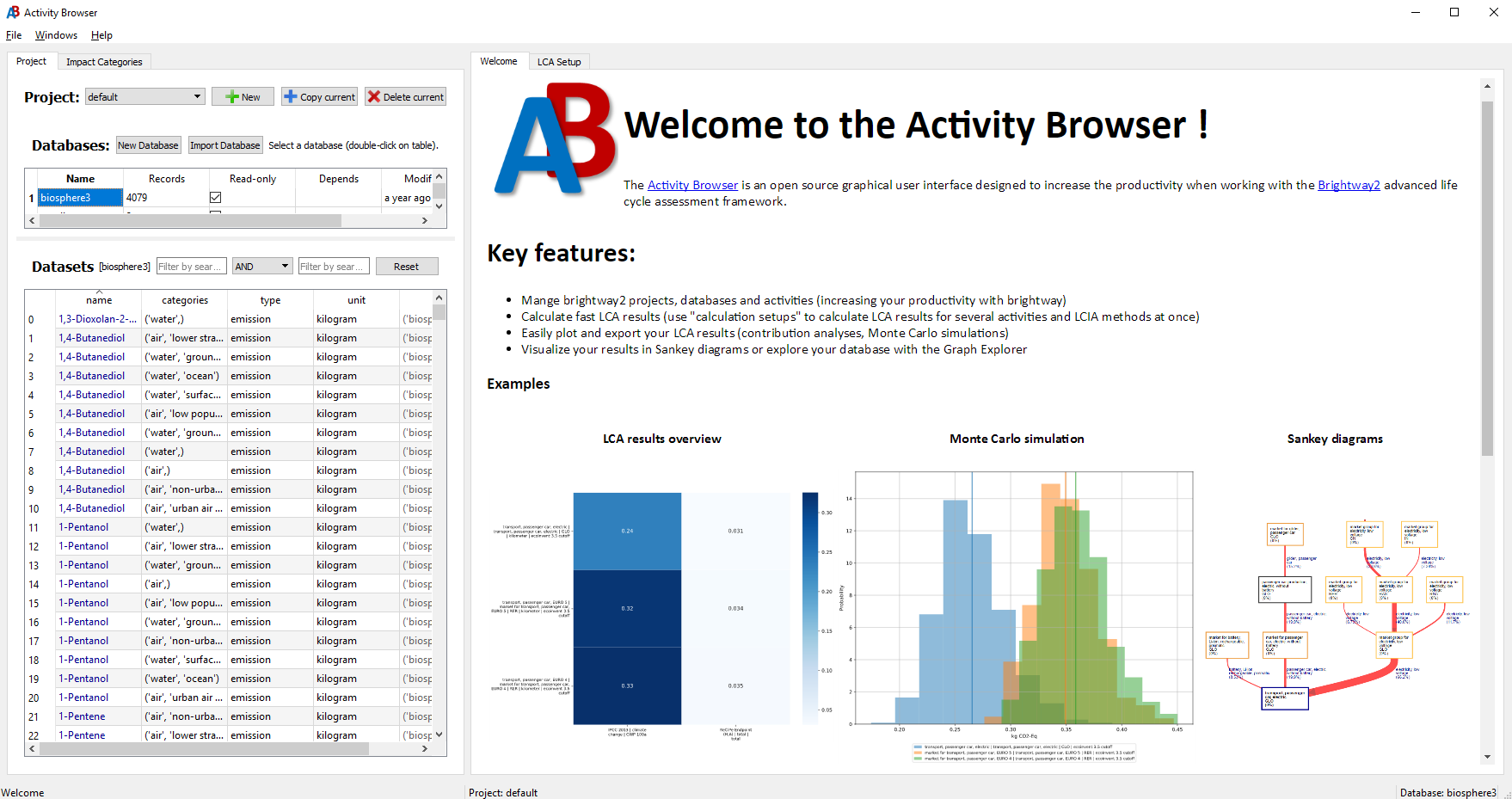
Graphical User Interface (Activity Browser)#
Brightway is a command-line tool intended primarily for use with Jupyter Notebooks and the iPython shell. It does not provide a native graphical user interface. However, this functionality is provided by the Activity Browser project. To set up Activity Browser for use with Brightway, follow the official installation instructions.